
AI · · 7 min read
Top 10 AI Tools to Build With Today (and How to Use Them)
The 10 AI tools I actually build with, from Cursor and Claude to the AI SDK, Vercel Workflow, and MCP, and how they fit into real automation pipelines.

Zayne Lovecraft
Software Engineer III

The fastest way to get good at AI engineering is to build things with it. Not prompts in a chat window, but small, real projects that take an input, run it through a model, and ship something useful at the end.
These are the 10 tools I reach for when I start a new project, and how I wire them together into the kind of AI automation pipelines I've built for SynthPress, TheCollector, and this site.
The short list
| # | Tool | What it does in a project |
|---|---|---|
| 1 | Cursor | Writes, refactors, and tests the code with agents |
| 2 | Claude (Anthropic API) | Reasoning, long-form writing, structured output |
| 3 | OpenAI API | Text, embeddings, images, and speech |
| 4 | Vercel AI SDK | One TypeScript API for every model provider |
| 5 | Vercel AI Gateway | Route, fail over, and track spend across models |
| 6 | Vercel Workflow | Durable, retryable multi-step pipelines |
| 7 | Model Context Protocol (MCP) | Plug agents into real tools and data |
| 8 | Supabase | Postgres, auth, storage, and vector search |
| 9 | Apify | Turn any website into structured data for your agents |
| 10 | Generative media (Higgsfield) | AI images and video on demand |
 Photo by Christina Morillo on Pexels
1. Cursor: the builder
Cursor is where everything else gets built. Its agents can read the whole repo, plan a change across many files, run the terminal, and check their own work. Two features make it more than autocomplete:
- Rules and skills. A short
AGENTS.mdin each repo tells the agent your conventions, so it writes code that matches the codebase instead of generic code. - MCP support. The agent can call the same tools you would: your database, GitHub, deployment logs, a browser.
How I use it: every project in this list, including this website, was built with Cursor agents. The blog you're reading has an AGENTS.md that tells an agent exactly how to publish a post, pull a cover image, and keep the SEO intact.
2. Claude (Anthropic API): the writer and reasoner
Claude is my default model for anything that needs careful reasoning or long, well-structured writing: outlines, articles, code review, and multi-step planning. It also follows schemas well, which matters once you start feeding its output into other code.
How I use it: SynthPress uses Claude for every stage of its content pipeline. A smaller, cheaper model generates ideas, and a larger one writes outlines and full articles. Picking the model per task keeps quality high and costs down.
3. OpenAI API: the multimodal toolbox
OpenAI covers a wide surface in one account: chat models, embeddings for search, image generation, and speech. Even if Claude is your main model, OpenAI is often the quickest way to add embeddings or audio to a project.
How I use it: on TheCollector, OpenAI powers parts of the editorial tooling alongside other providers. Having more than one provider is a feature, not a mess, as long as you put them behind one interface. That's where the next tool comes in.
4. Vercel AI SDK: one API for every model
The AI SDK is a TypeScript library that gives you the same functions (generateText, streamText, tool calling, structured output) no matter which provider sits underneath. Swapping Claude for another model becomes a one-line change.
The pattern I use everywhere: put every model call in one server-only file, and always ask for structured output so the rest of the app gets typed data instead of free text.
// src/lib/ai/provider.ts
import "server-only";
import { generateText, Output } from "ai";
import { anthropic } from "@ai-sdk/anthropic";
import { z } from "zod";

const ideasSchema = z.object({
  ideas: z.array(
    z.object({
      title: z.string(),
      targetKeyword: z.string(),
      summary: z.string(),
    }),
  ),
});

export async function generateIdeas(topic: string) {
  const result = await generateText({
    model: anthropic("claude-haiku-4-5"),
    output: Output.object({ schema: ideasSchema }),
    prompt: `Suggest 5 article ideas about ${topic}.`,
  });
  return result.output.ideas; // fully typed
}
import "server-only" makes the build fail if this file ever ends up in client code, so your API key can't leak to the browser.
5. Vercel AI Gateway: routing and spend control
Once a project uses more than one model, you want one place to manage them. AI Gateway gives you a single endpoint for many providers, with fallbacks when a provider has an outage and visibility into usage and spend per model.
How to use it: keep the AI SDK code from above and point the model at the gateway instead of a single provider. You get failover and cost tracking without changing your app logic.
6. Vercel Workflow: pipelines that don't fall over
Real AI automation is never one call. It's research, then an outline, then a draft, then images, then publishing. Any step can time out or fail. Vercel Workflow makes each step durable: if something fails halfway, the run resumes from the last finished step instead of starting over.
// src/workflows/publish-article.ts
import { FatalError } from "workflow";

export async function publishArticleWorkflow(ideaId: string) {
  "use workflow";

  const outline = await createOutline(ideaId);
  const draft = await writeDraft(outline);
  return await publishToCms(draft);
}

async function createOutline(ideaId: string) {
  "use step";
  // call the model, save the outline, return it
}

async function writeDraft(outline: Outline) {
  "use step";
  // steps retry automatically on transient errors
}

async function publishToCms(draft: Draft) {
  "use step";
  if (!draft.approved) throw new FatalError("Draft not approved"); // no retry
  // push to WordPress or your CMS
}
How I use it: SynthPress runs article generation and publishing as workflows, and TheCollector uses them for internal-link suggestions with a rollback step. One rule I learned the hard way: if a step costs money or has side effects, make it idempotent or mark failures as fatal so retries don't double-charge.
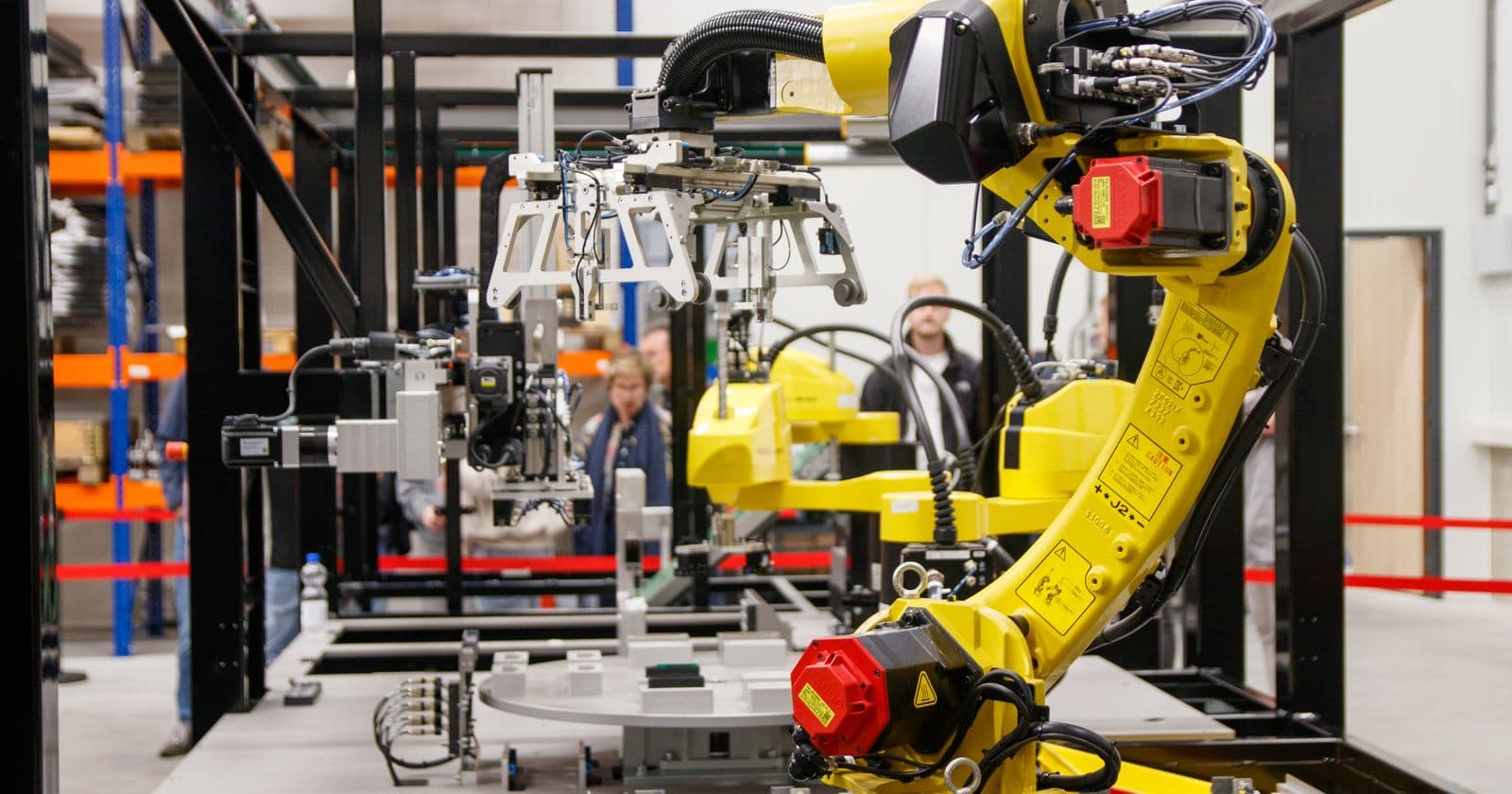 Photo by Freek Wolsink on Pexels
7. Model Context Protocol (MCP): give agents real tools
MCP is an open standard for connecting AI apps to tools and data. Instead of writing custom glue for every service, you add an MCP server and the agent can query your database, open a pull request, read deploy logs, or run a scraper.
How I use it: in my day-to-day, agents connect through MCP to Supabase (schema changes and SQL), GitHub, Vercel (logs and deployments), and Apify. It turns an AI chat into an operator that can actually check things instead of guessing.
8. Supabase: the memory and the backend
Every AI project needs somewhere to keep state: users, jobs, generated content, costs, and often embeddings for search. Supabase gives you Postgres with auth, storage, and the pgvector extension for vector search in one place.
How I use it: SynthPress stores teams, blogs, ideas, article jobs, and token usage in Supabase. The contact form on this site writes to Supabase through a locked-down database function, so leads are never readable with the public key.
9. Apify: web data for your agents
Models are only as good as the context you give them. Apify is a marketplace of ready-made scrapers ("Actors") for search results, social profiles, maps, and online stores, plus an SDK and an MCP server.
How to use it: run an Actor to collect competitor pages, search results, or reviews, store the results in Supabase, then let your pipeline summarize, compare, or write from real data instead of the model's memory.
10. Generative media (Higgsfield): images and video on demand
Text-only projects feel unfinished. Generative media tools like Higgsfield create images and short videos from a prompt or a reference, which is perfect for social posts, product shots, and thumbnails.
How to use it: add a media step at the end of a content workflow. The article step writes a visual brief, the media step generates options, and a human picks the winner. For blog covers I often use real photography instead; this site pulls credited photos from Pexels with one command.
Putting it all together
Here's how these tools combine into one content pipeline, the same shape SynthPress uses:
- Collect source material with Apify and save it to Supabase.
- Plan with Claude through the AI SDK: ideas and outlines as structured, typed objects.
- Generate drafts in a Vercel Workflow, one durable step per stage, routed through AI Gateway.
- Enrich with images from a generative media tool or credited stock photos.
- Review with a human approval gate before anything goes live.
- Publish to a CMS or a Markdown repo, then track results.
- Operate the whole thing from Cursor, with MCP giving the agent access to the database, logs, and deploys.
A few rules keep these pipelines reliable:
- One provider boundary. All model calls live in one server-only module.
- Structured output everywhere. Validate with a schema; never parse free text.
- Idempotent steps. Retries should never double-charge or double-publish.
- Human in the loop for anything public-facing.
- Log tokens and cost per job from day one.
Start building
Pick one small problem you have this week, like summarizing a newsletter, drafting social posts from a blog, or tagging support emails, and build it with three of these tools: Cursor to write it, the AI SDK and Claude to think, and Supabase to remember. Then add a workflow when it needs more than one step.
I'm building in public on GitHub and writing up what I learn here. If you're working on something similar, send me a message.
- AI
- AI Automation
- AI SDK
- Claude
- Cursor
- MCP
Keep reading

Technical SEO · · 2 min read
Generative Engine Optimization (GEO) & CWV Gates in Next.js
How to audit Next.js apps for AI search citations (JSON-LD entity graphs, llms.txt, bot rules) and enforce Core Web Vitals client bundle budgets in CI.

AI · · 3 min read
Filesystem-First AI Agent OS for Cursor and Claude Code
How I structured a central filesystem workspace with a self-updating memory.md correction loop, 3-layer research logs, and reusable Cursor skills.