
Performance · · 2 min read
How to Get High Lighthouse Scores in Next.js
How to eliminate LCP bottlenecks, layout shift, and INP main-thread blocking in production Next.js apps without sacrificing rich product UX.

Zayne Lovecraft
Software Engineer III
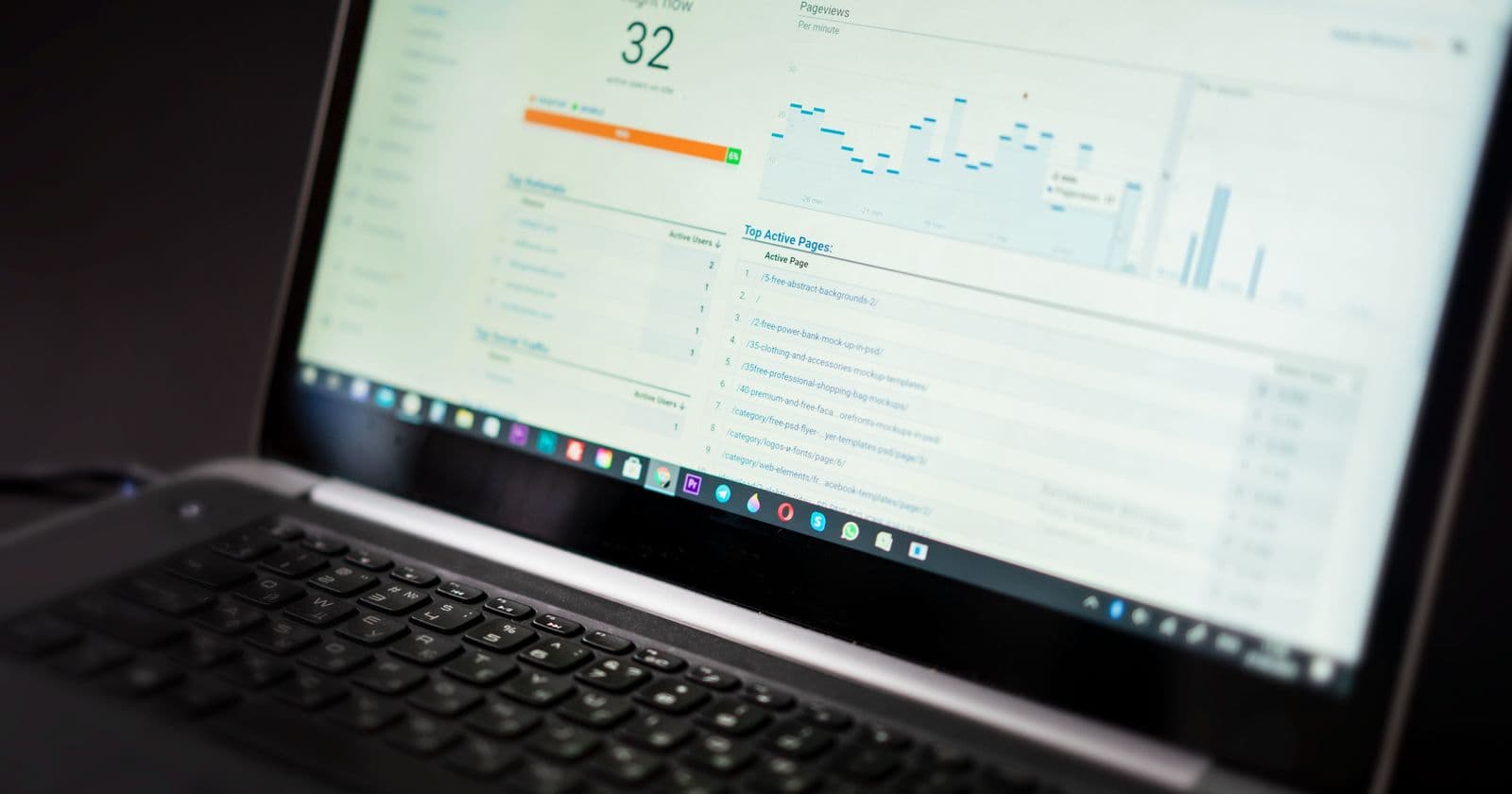
Most teams treat Lighthouse as a cleanup chore right before launch: run PageSpeed Insights, see a 58 on mobile, and try to bandage it with lazy-loading plugins. In production systems, performance is decided long before the first audit. It lives in your server/client component boundaries, your font pipeline, and how you reserve layout space.
Performance is an architectural decision
Four rules do most of the work:
- Default to React Server Components. Static copy, navigation shells, and structured data pay zero hydration cost.
- Isolate interactive state into leaf
"use client"islands. Carts, filters, and modals belong in small components backed by lightweight stores like Zustand. - Reserve geometry for everything above the fold. Give media, skeletons, and dynamic slots explicit dimensions or aspect ratios so CLS stays at zero.
- Keep third-party scripts off the critical path. Defer telemetry and tags until after hydration to protect Interaction to Next Paint (INP).
Keeping Largest Contentful Paint fast
On mobile networks, LCP usually fails for two reasons: render-blocking web fonts and hero images chained behind client-side fetches.
next/font self-hosts fonts and inlines @font-face at build time with fallback metric matching, which removes both the external request and the font-swap layout shift.
// src/app/layout.tsx
import { Geist } from "next/font/google";

const geistSans = Geist({
  variable: "--font-geist-sans",
  subsets: ["latin"],
  display: "swap",
});
For the hero, the LCP element must be in the initial HTML. Never gate it behind a useEffect fetch or a client-only Suspense fallback, and mark the image as a priority load.
Accessibility and SEO share the same DOM
Screen readers and crawlers read your page almost the same way. A single <main> landmark, a strict h1 → h2 → h3 hierarchy, real <button> and <a> elements, and labelled form controls help both at once.
Every interactive element needs a visible :focus-visible style, text contrast of at least 4.5:1, and predictable keyboard order. When accessibility is part of the component API instead of an audit afterthought, the Lighthouse Accessibility and Best Practices scores take care of themselves.
- Next.js
- Core Web Vitals
- Lighthouse
- Accessibility
Keep reading

AI · · 7 min read
Top 10 AI Tools to Build With Today (and How to Use Them)
The 10 AI tools I actually build with, from Cursor and Claude to the AI SDK, Vercel Workflow, and MCP, and how they fit into real automation pipelines.
Technical SEO · · 2 min read
Generative Engine Optimization (GEO) & CWV Gates in Next.js
How to audit Next.js apps for AI search citations (JSON-LD entity graphs, llms.txt, bot rules) and enforce Core Web Vitals client bundle budgets in CI.